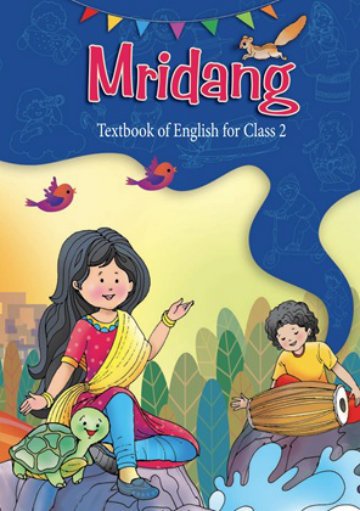
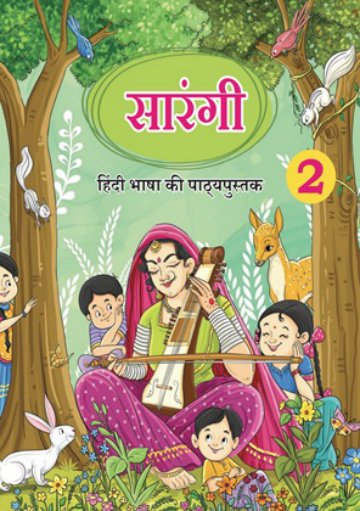
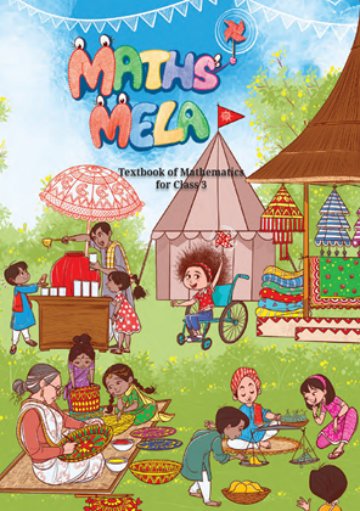
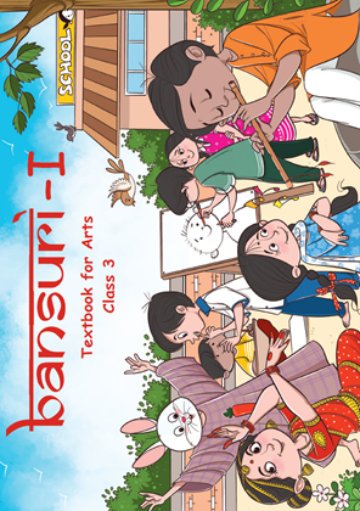
For students starting a chapter
Open your class, choose the subject and check the chapter title against your book. Read the chapter in the PDF viewer if you need the examples or illustrations. If an exercise has published answers, try it yourself before opening the solution. Matching the wording of the question helps when numbering differs across editions.
For parents checking the book list
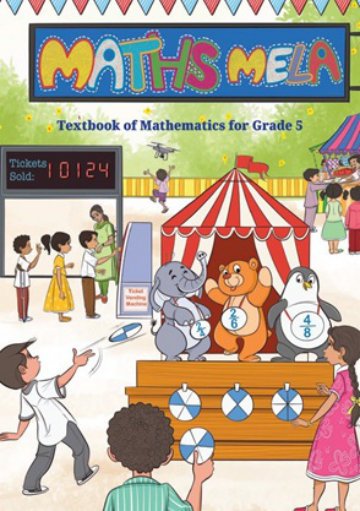
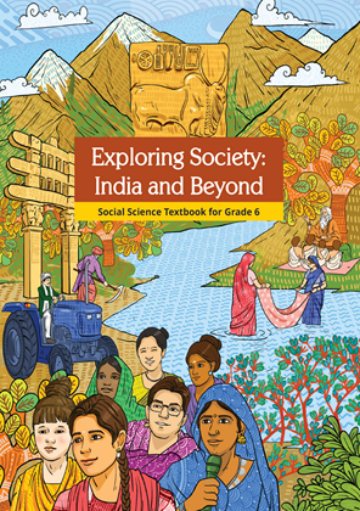
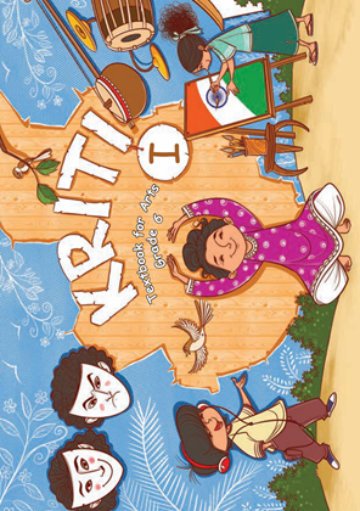
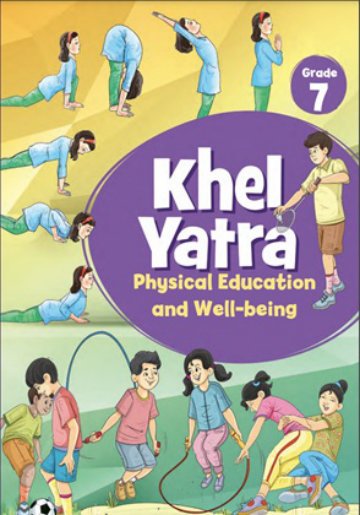
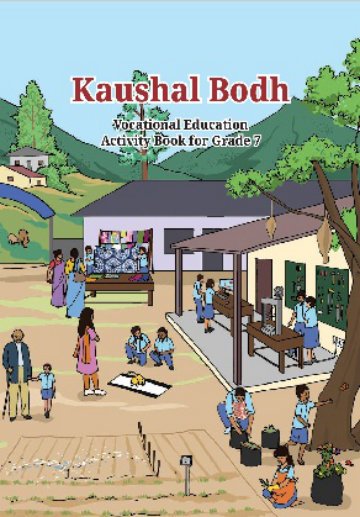
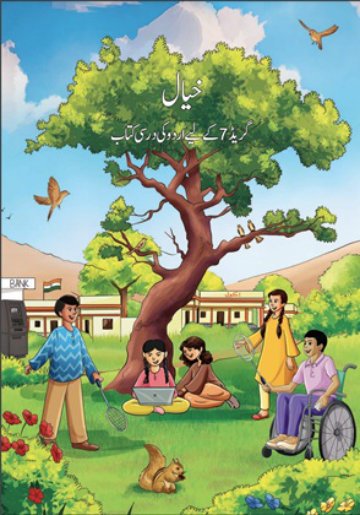
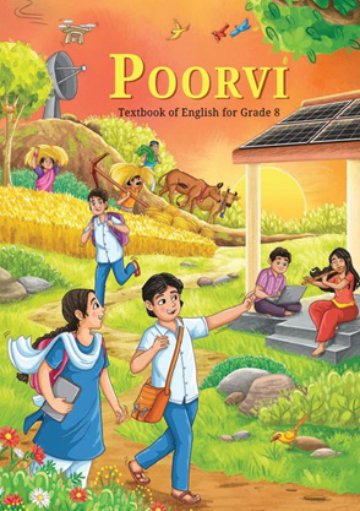
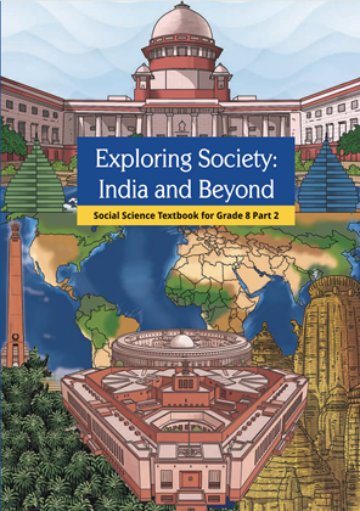
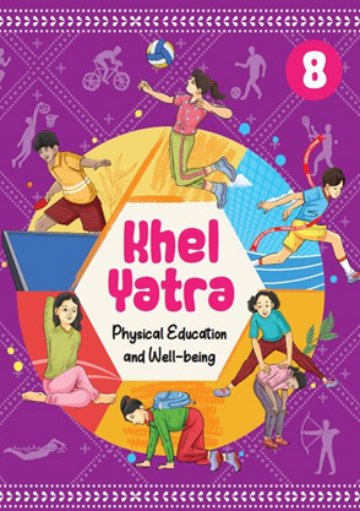
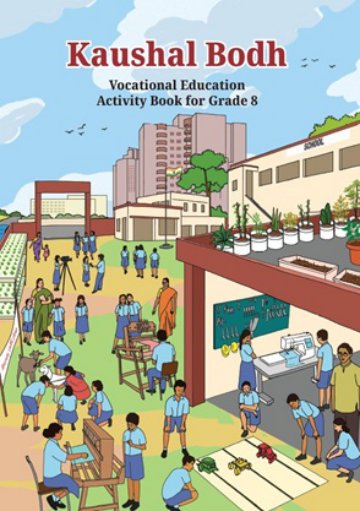
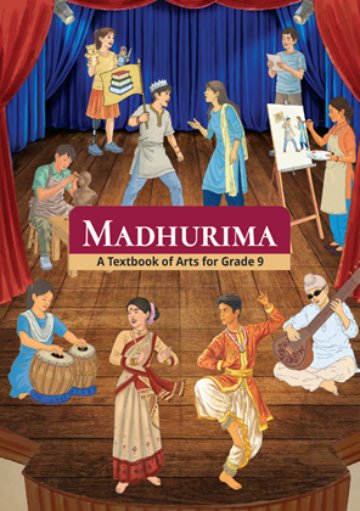
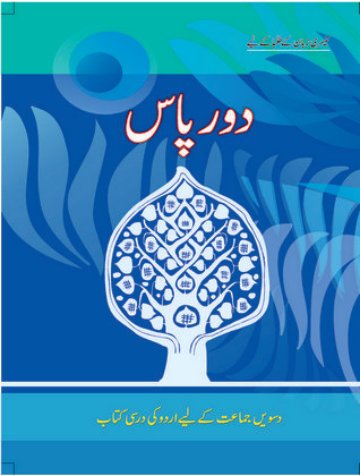
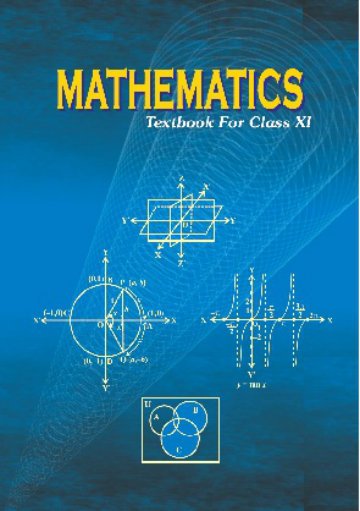
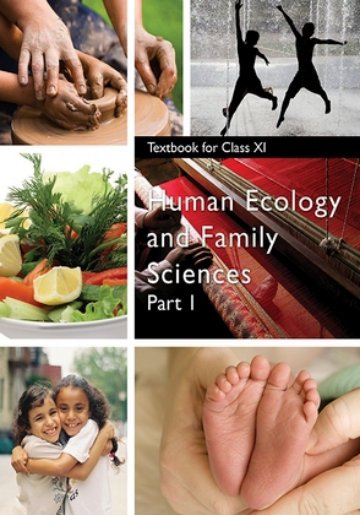
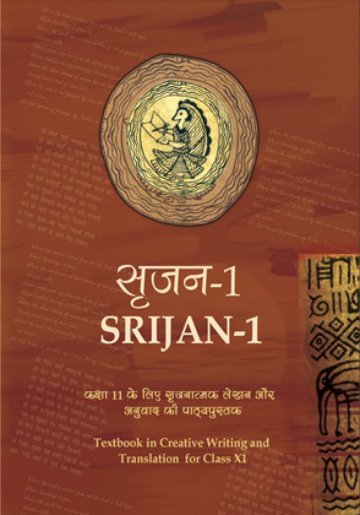
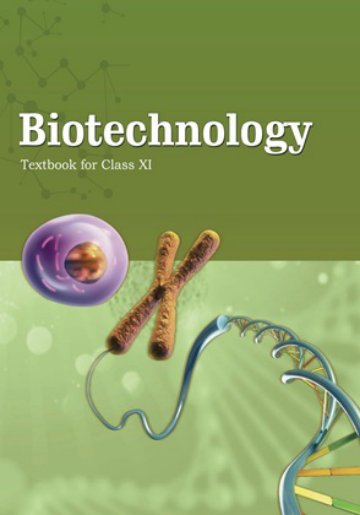
Use the cover, grade and language to identify the exact book. Several primary textbooks have the same name across more than one class. Check the school’s book list for the correct edition and confirm whether a language has multiple readers. The class PDF directory is useful when you only need to check the contents or read a single chapter.
For teachers planning a unit
Use the syllabus and the textbook contents together to find the topics, examples and exercises that support the unit. Check the subject syllabus for any assessment notes, practicals or internal work before dividing chapters into lessons. The book page can also give students a direct route back to the reading.
For students moving into Classes 11 and 12
Choose resources by registered subject. A Science student might need both parts of Physics and Chemistry, while a Commerce or Humanities student might have multiple Accountancy or Geography volumes. Check the full subject name and, where available, the subject code and syllabus before starting a book.